

Photoshop Elements - Beginner's Guide: A Step-by-Step New User's Manual Kindle Edition
Product details
| Management number | 222215781 | Release Date | 2026/05/04 | List Price | US$8.00 | Model Number | 222215781 | ||
|---|---|---|---|---|---|---|---|---|---|
| Category | |||||||||
Adobe Photoshop Elements continues to be the best-selling beginner-level photo-editor on the market today and is so much fun to use we thought we'd create a super easy step-by-step training guide for you.Photoshop Elements Beginner's Guide will help you go from complete beginner to confident user in a short amount of time. By the time you're done with this book, you will have all the skills you need to use this amazing sofware with confidence and a high level of ability.The First 10 Skills Beginners Need to KnowBasics 1 - Gettting started in adobe photoshop elementsBasics 2 - How to open images in photoshop elementsBasics 3 - How to navigate inside the screenBasics 4 - What are layers and how to use themBasics 5 - How to crop an imageBasics 6 - How to make selectionsBasics 7 - What are layer masks and how to use themBasics 8 - How to remove imperfections from a photoBasics 9 – How to add text to an imageBasics 10 – How to save, print, and share your workTwenty Step-by-Step Lessons Teaching You the Most Requested Special EffectsLesson 1 - How to create a regular & colored pencil sketch of a photoLesson 2 - How to create a frame around a photoLesson 3 - How to place text behind a subjectLesson 4 - How to put an image in textLesson 5 - How to add blurriness to your backgroundsLesson 6 - How to create a color splash effectLesson 7 - How to create a white outline around a subjectLesson 8 - How to create a clouded text effectLesson 9 - How to enhance eye colorLesson 10 - How to create a nashville filter effectLesson 11 - How to create a vintage effectLesson 12 - How to create a threshold pop art effectLesson 13 - How to create a realistic shadowLesson 14 - How to create a high-speed effectLesson 15 - How to create a light leak effectLesson 16 - How to add texture to a photoLesson 17: How to create a soft & dreamy effectLesson 18 - How to create a photo collageLesson 19 - How to create a duotone effectLesson 20 - How to remove shadows from a portraitImage FolderContact us by email to receive the complete image folder for this book. Our email address is found on the Copyrights page.On-Going Customer SupportWe offer on-going customer support for all those who purchase our book(s). Send us an email with your questions and we'll help you as fast and as competently as you can.Last Update: January 4, 2024 Read more
| XRay | Not Enabled |
|---|---|
| Language | English |
| File size | 9.7 MB |
| Page Flip | Enabled |
| Word Wise | Not Enabled |
| Print length | 124 pages |
| Accessibility | Learn more |
| Screen Reader | Supported |
| Publication date | July 7, 2023 |
| Enhanced typesetting | Enabled |
Bestseller ranking
Primary Cylinders


Customers who viewed this product also viewed
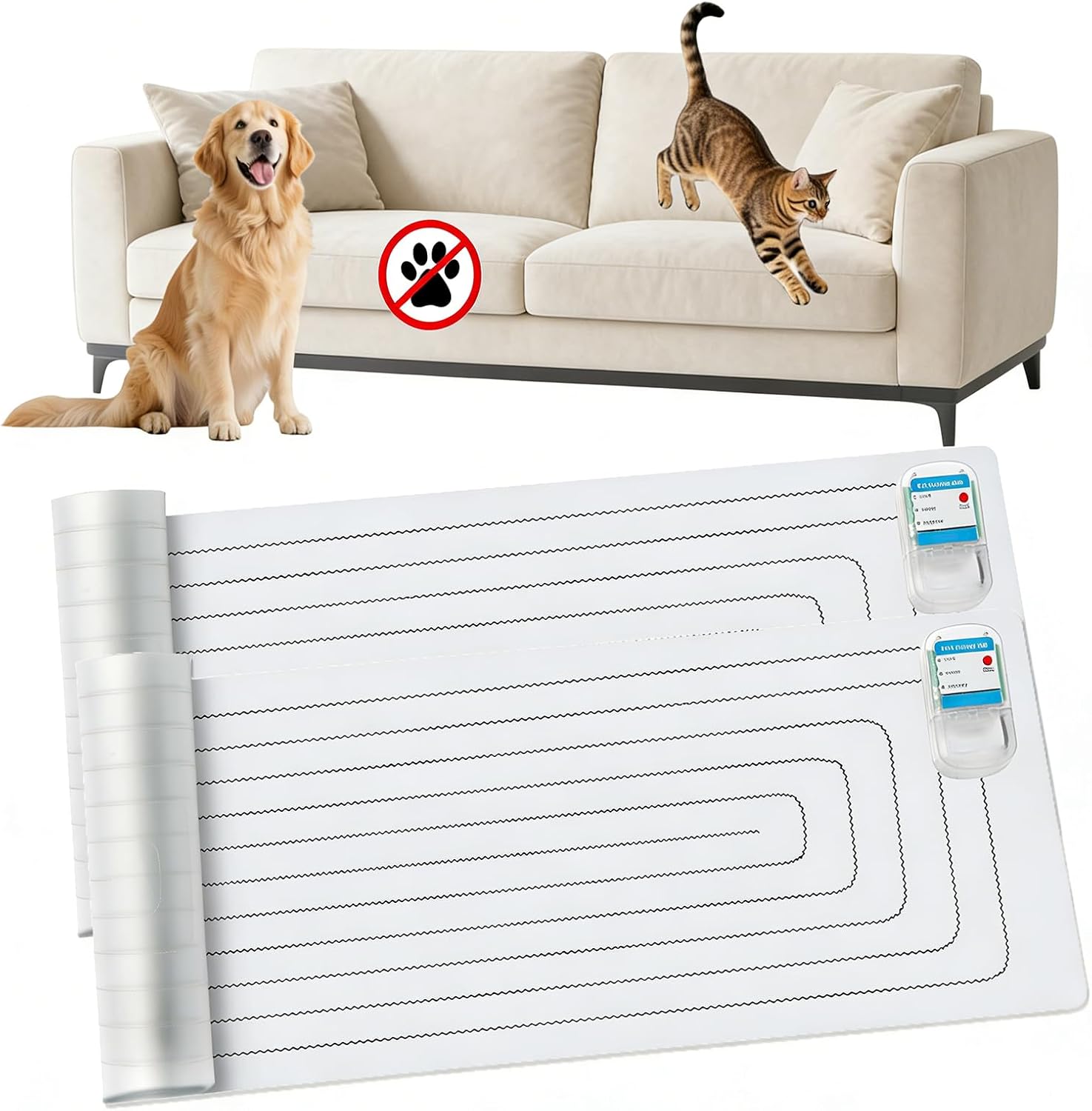
Repellent Mats


Correction of product information
If you notice any omissions or errors in the product information on this page, please use the correction request form below.
Correction Request Form